I can’t think of a time in my life when I wasn’t making up fantasy worlds in my head. There are a lot of tools out there, for writers and authors alike, that can help with the process. Now, I’ll be honest, a lot of my world building takes place in Google sheets, with tabs for various aspects, however, there are some tools I’ve found that have improved my process. Here are some of my favorites.
Note: None of this is sponsored. All of these are tools I have used extensively in my own world building and I am sharing this in hopes that some of these may be of use for your own world building journey. Some of these tools do use AI. I will try and designate which ones are which, so that those who wish to avoid AI in any form may do so.
World Building Tools
Fantasy Language Creation Tools – Free and Paid Options
Fantasy languages are a very fun part of world building. I love making new languages and fonts to go along with them. These are my favorite tools to help with this process.
Vulgar Lang – Free & Paid Options – No AI
Site Link: https://www.vulgarlang.com/
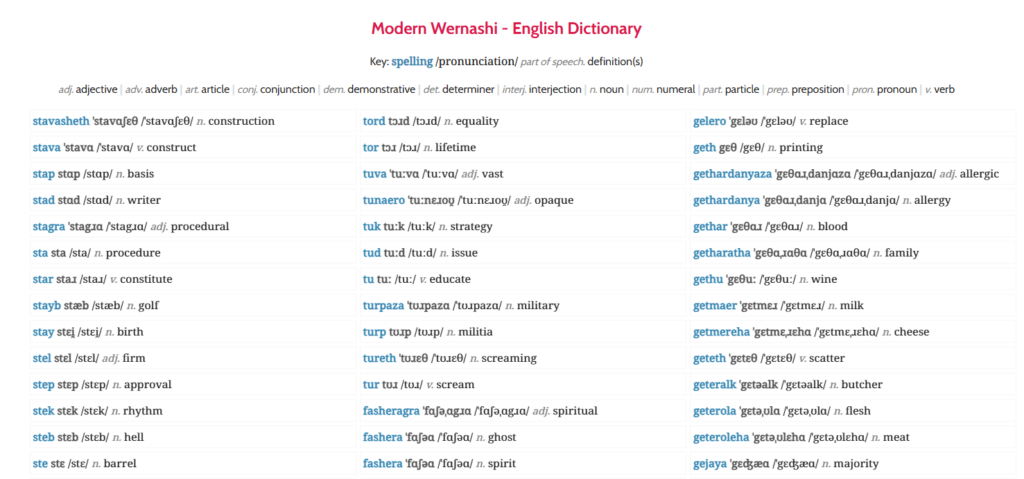
This is by far one of my favorite tools. It’s been around for a long time and it allows you to quickly create fantasy languages.
Now, when I say quickly, I don’t mean it won’t take a long time. If you just need a random language for a D&D game, then you can use this in that way, but if you want something very specific to your world, this is going to take time and effort. This is a highly detailed builder, which allows your to set all sorts of rules for how your language functions. You could easily spend dozens of hours working on your language (I know I have). You can add your own words, or let the program generate them all automatically. I usually do a mix of creating my own and letting it generate some, then I go through the results to make sure I’m happy with everything.
This is both free and paid, but the paid version is a life-time access price, and I’ve never regretted buying it. You will need the paid version to be able to save/load your languages.
Glypher Studio – Free – No AI
Site Link: https://www.glyphrstudio.com/app/
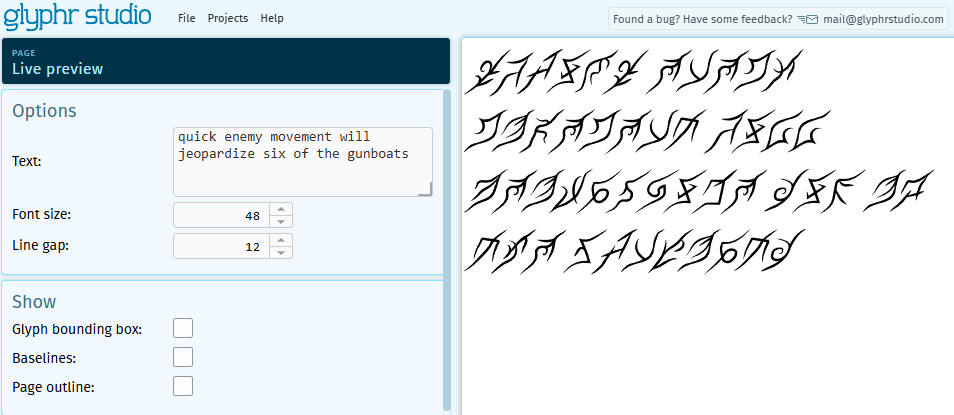
This is a font building site that allows you to make your own font for free. You can upload SVGs of letters and see your font in real time. I recommend uploading a public domain font first as a base to help with sizing, but that’s optional. This program is fairly user-friendly, however, I recommend saving often as it can crash on occasion.
Fantasy Map Making Tools – Free and Paid Options
I have to fight the urger to redraw my map for my world every week. I love making maps. Who can resist a good map? These are the tools I’ve used to enrich my map making efforts.
Terra Firma 2 – Paid – No AI (as far as I know)
Site Link: https://store.steampowered.com/app/3422270/Terra_Firma_2/
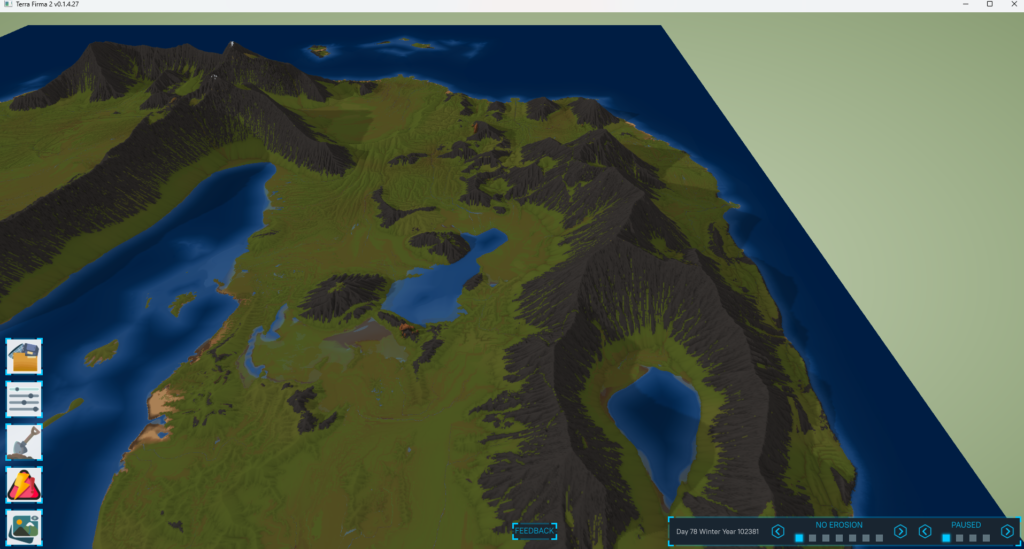
This one is not a normal map making program, but rather a terrain simulator game. I love using this one to see how landmasses change over time. It’s been very helpful in adding more realistic vibes to some of my maps. I’ve spent way too many hours with this program.
L3DT – Free – No AI
Site Link: http://www.bundysoft.com/L3DT/downloads/standard.php
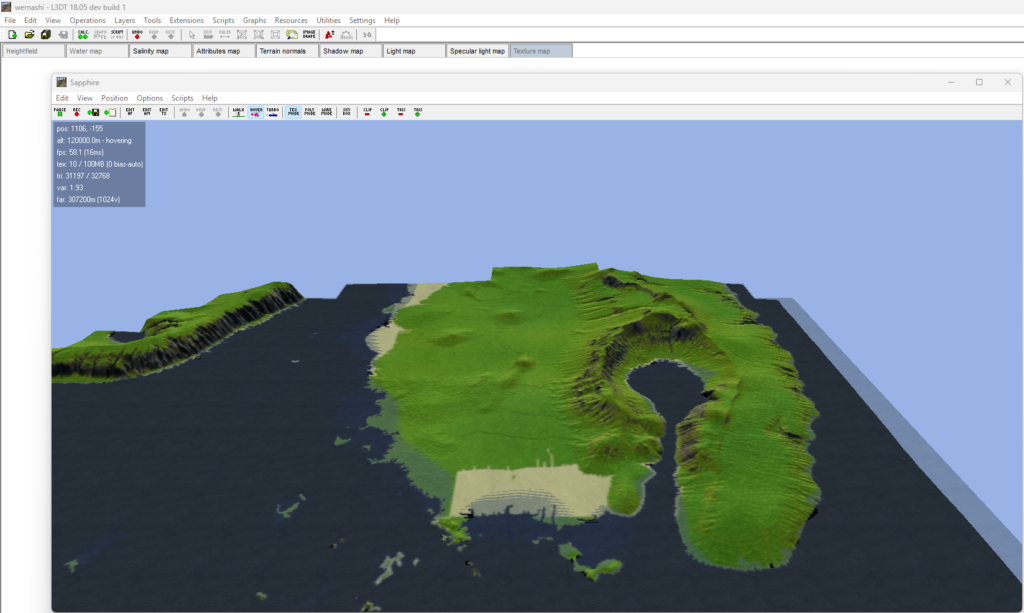
This is a very old program that has been mostly abandoned by it’s creator. However, it is free and can help you create a nice, realistic 3d model of your world that can be exported to blender or other 3d modeling programs.
Inkarnate – Free & Paid – No AI (as far as I know)
Site Link: https://inkarnate.com/
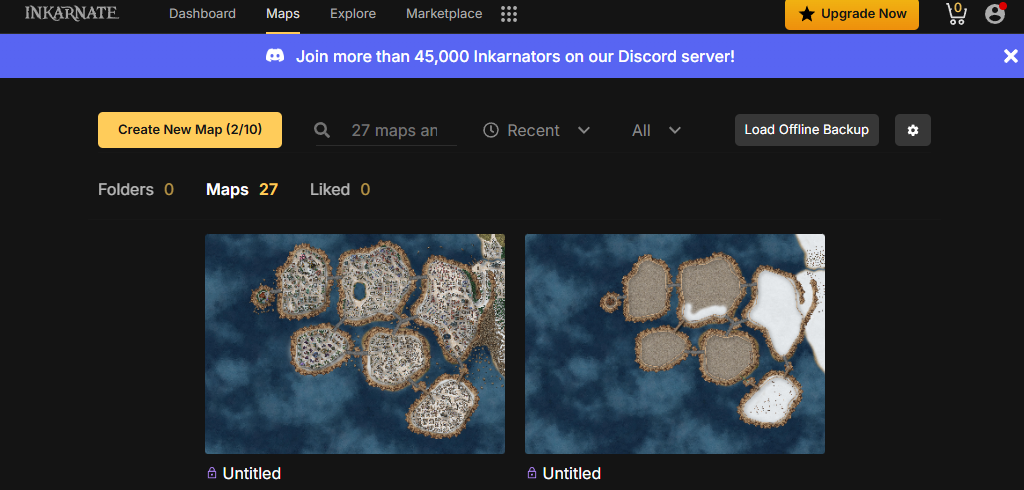
For me, Inkarnate is a great initial layout tool for maps, however, I tend to use a different program for the final versions, so they have more of a “hand drawn” quality to them. They have a great user interface, however, I don’t like subscription-based programs, so I tend to only use this if none of my other programs are quite cutting it for me.
Wonderdraft – Paid – No AI
Site Link: https://www.wonderdraft.net/
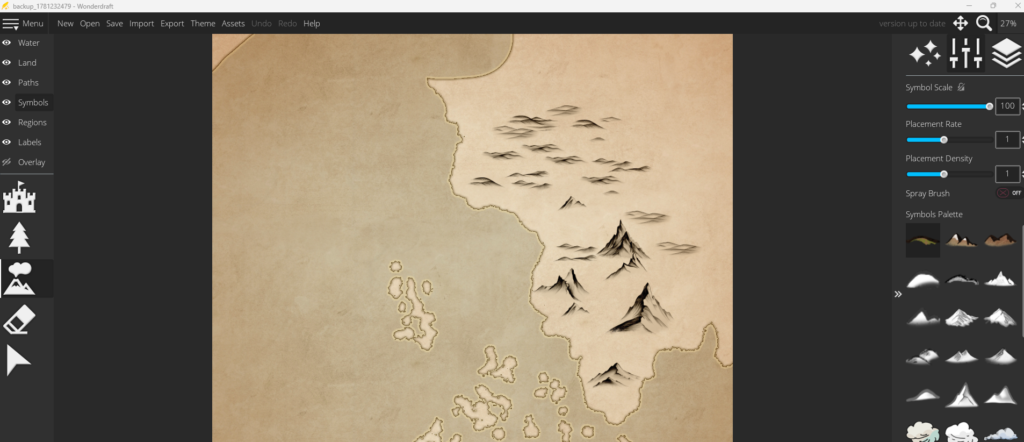
Wonderdraft was worth the $30 price tag. For drawing continents, it is my absolute favorite. It has decent built in assets, and it lets you add custom ones, though that process takes some learning. Overall, it’s easy to use and I like its style more than most. Plus, I love that it’s a one-time purchase instead of a subscription. If I could find a tool that was a hybrid of this and Inkarnate, that would be pretty much perfect.
Azgaar’s Fantasy Map Generator – Some Optional AI (May have changed since I last used it)
Site Link: http://azgaar.github.io/Fantasy-Map-Generator/
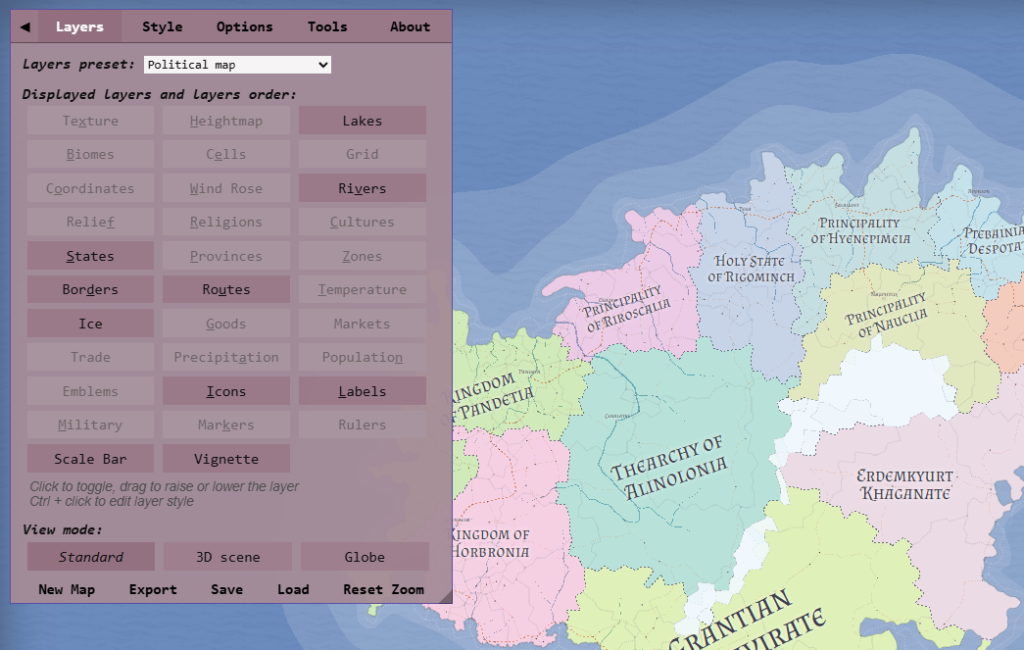
This tool is to map-based world-building what Vulgar Lang is to language building. So many tools, so many options, so many generators. I don’t use this one as much as some others because I like to create a lot of the details it generates for myself, rather than letting them be randomized, but it is still a great tool that I love having in my tool box. Last I checked, AI is used to generate some of the details for things like towns, events, etc, but you can pretty much ignore it unless you want that.
Fantasy Town Generator – Free – No AI (as far as I know)
Site Link: https://www.fantasytowngenerator.com/
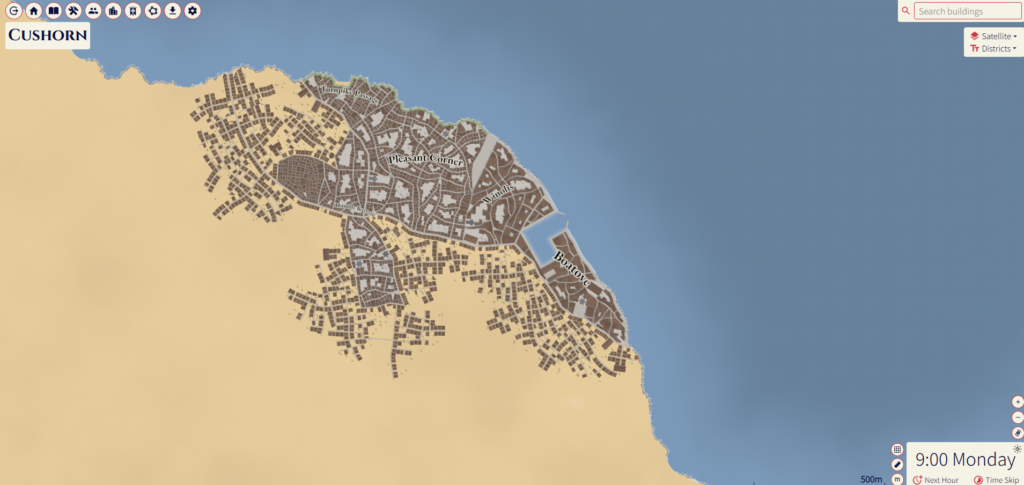
This one is actually integrated into the Azgaar Generator. It’s great for getting realistic ideas of layouts for cities and towns. It also lets you export spreasheets of the settlement details, and has a lot of export options for the images as well.
Other
Notebook LM – Free & Paid – AI
Site Link: https://notebooklm.google.com/
I mostly use this as a way to quickly reference my world details. Since Notebook LM integrates with google, and sites your own sources in its answers, I’ve found it very useful for keeping track of things as I go.
Whatever you’re world-building for, I hope that this has given you some useful tools to help you on your journey!